 by
by Alter a Ledger” in TallyPrime means editing, correcting, or updating any existing ledger after it has been created.
You can:
- Change the name of the ledger
- Correct the group under which it was created
- Add or edit the opening balance
- Update the GST number, PAN, or bank details
- Add a mobile number, address, or other information
How to Alter a Ledger in TallyPrime – Step-by-Step
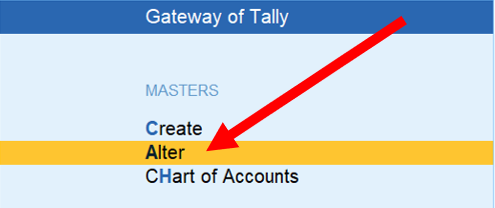
Step 1 Click on Alter
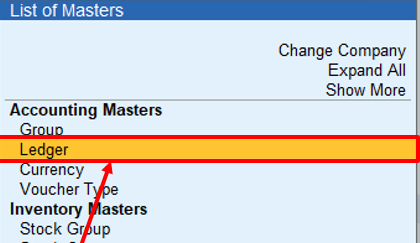
Step 2 Click on ledger
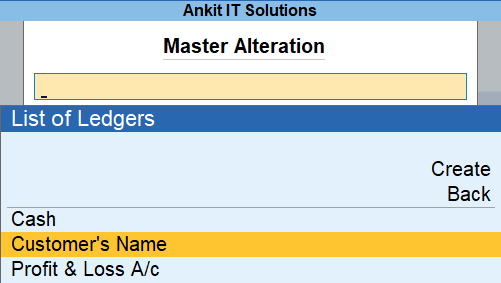
Step 3 select ledger which you want to alter and press enter
Step 4- now you can make changes here as you want
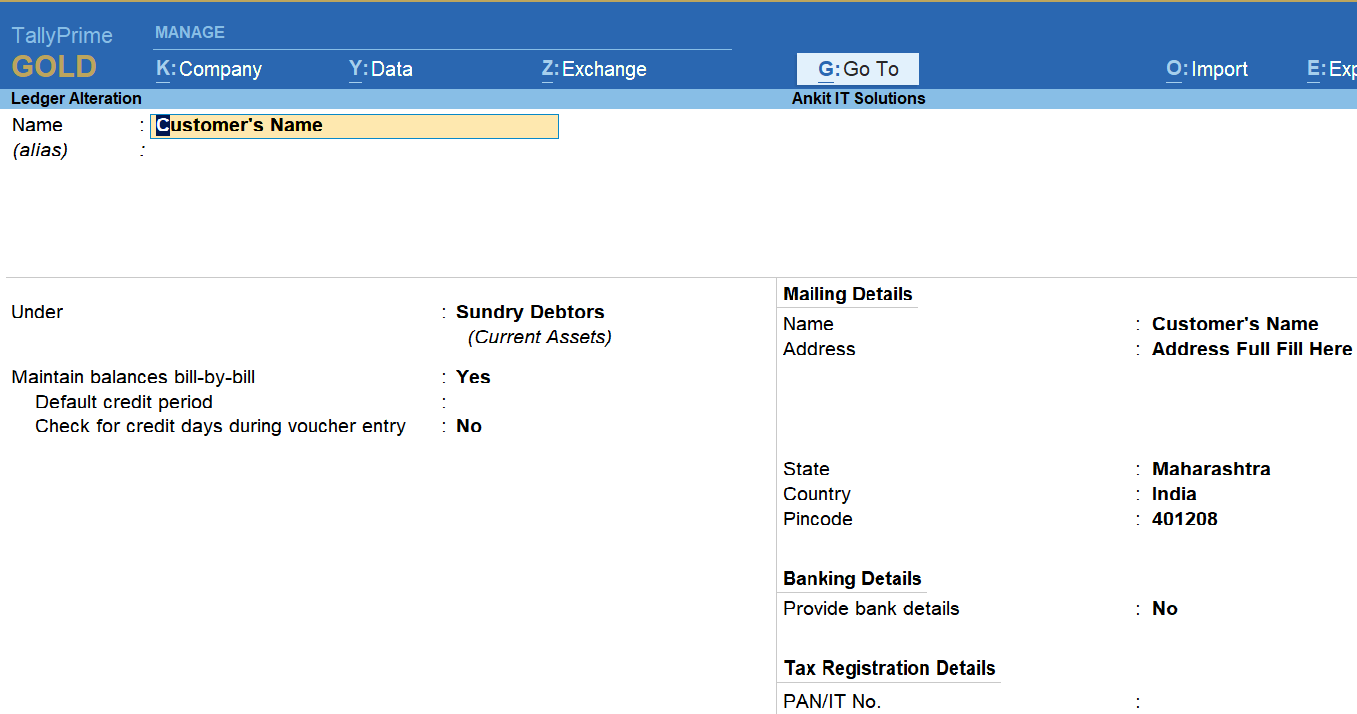
here name changes Customer’s Name to SahDev Mishra
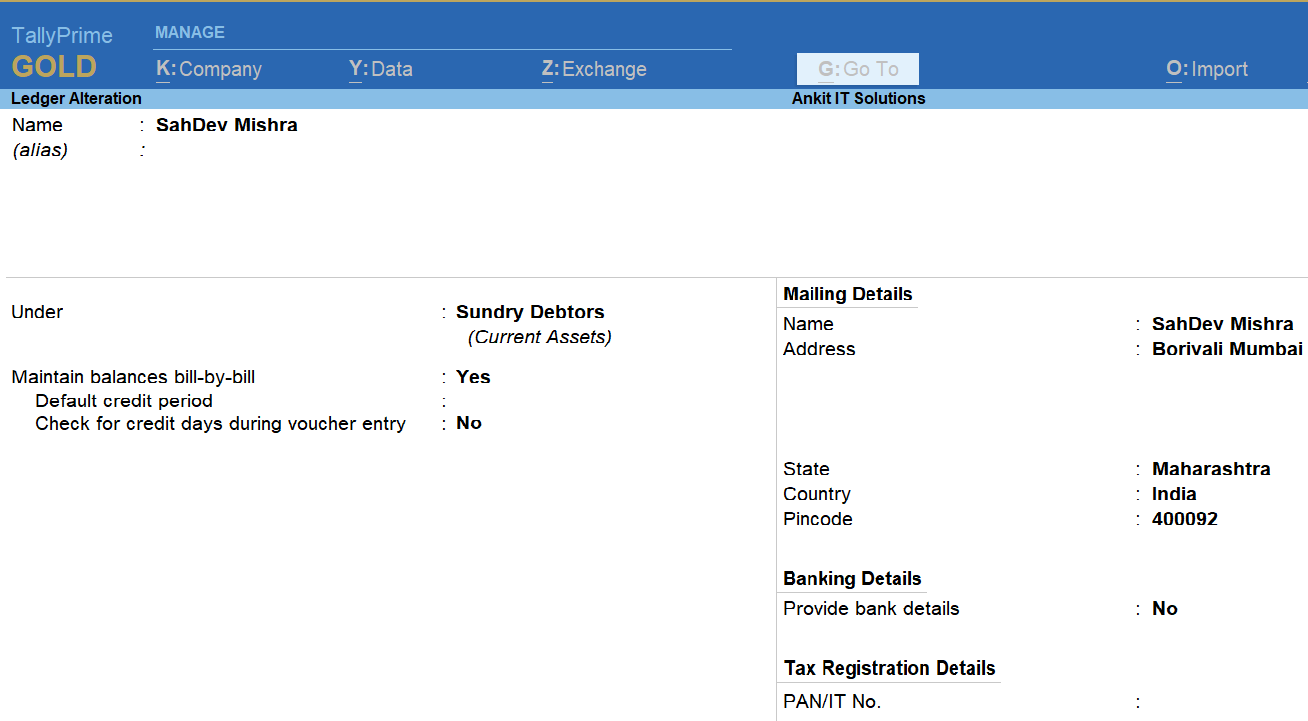
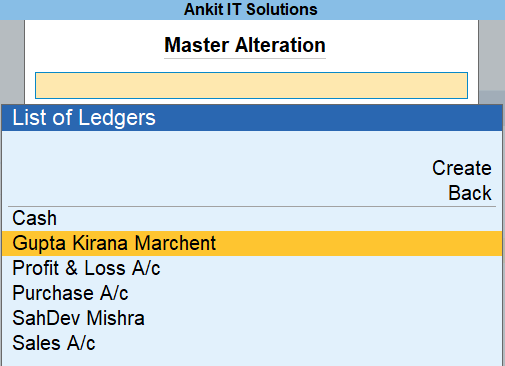
Result – Here you can see
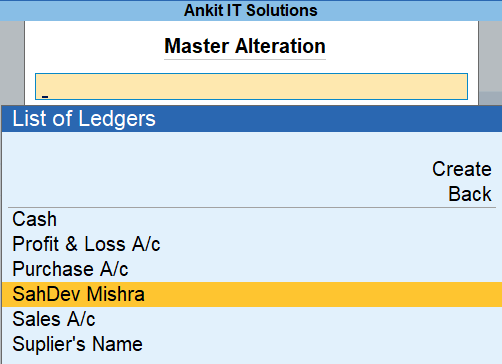
Step 5- Another ledger alter
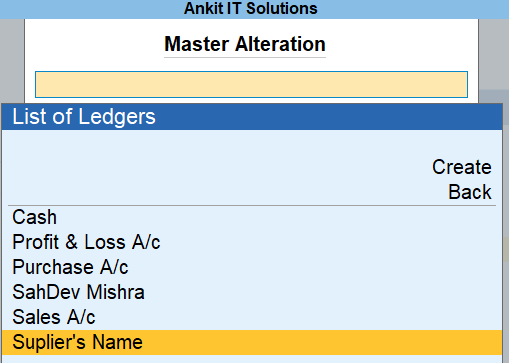
Supplier’s Name to Gupta Kirana Merchant
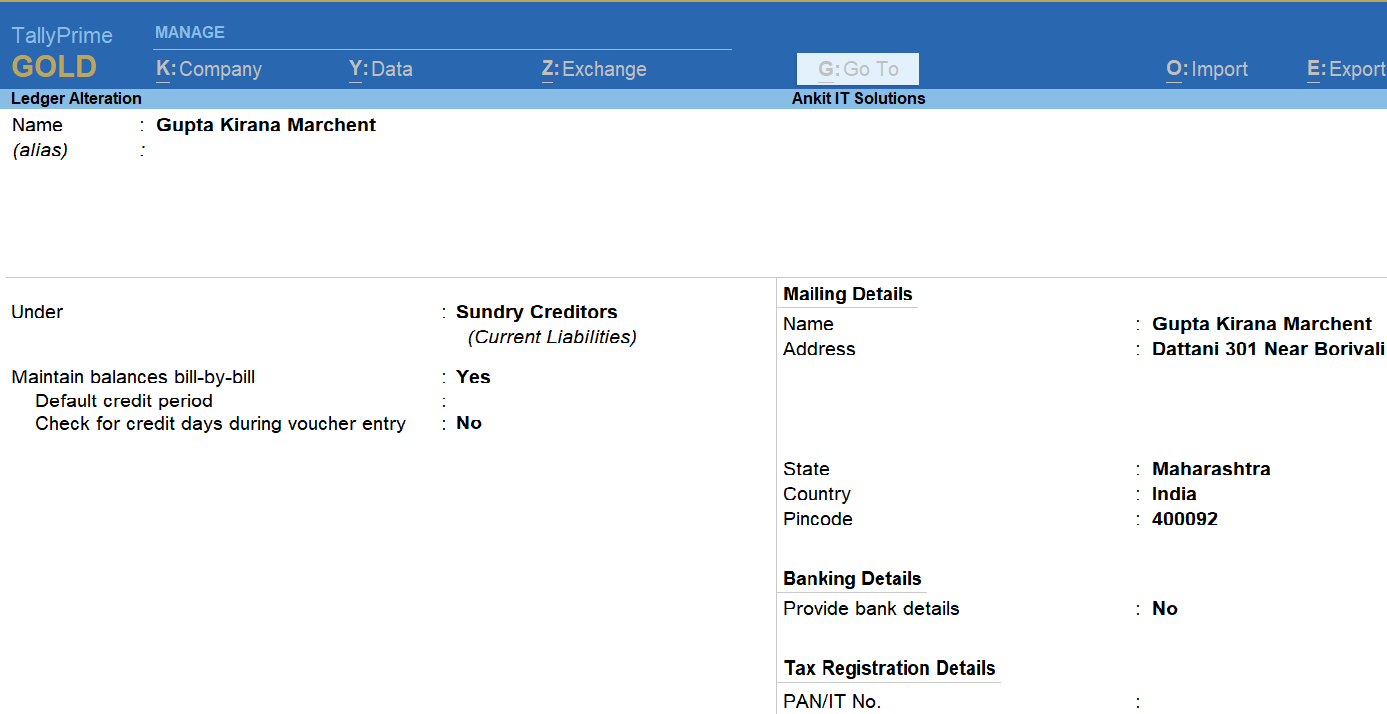
Result – Here you can see
That’s All
