Skip to content

AIS

  • Home
  • Home
TPT App

How to Check / See Purchase Order Outstanding Reports Ledger wise in TallyPrime

by

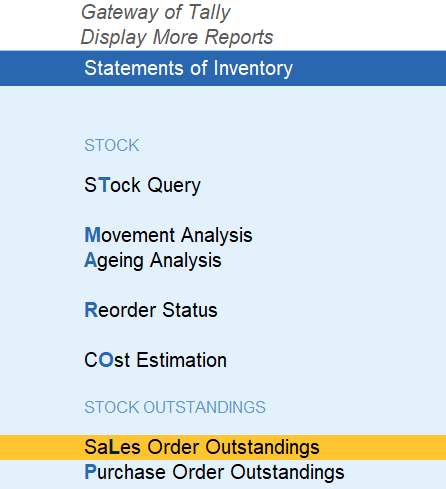
Click on Sales Order Outstandings Reports

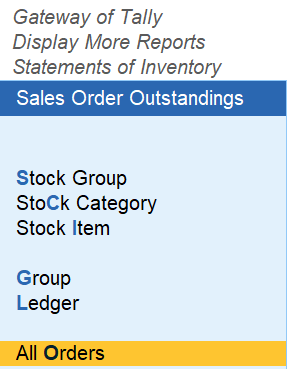
Click on All Orders

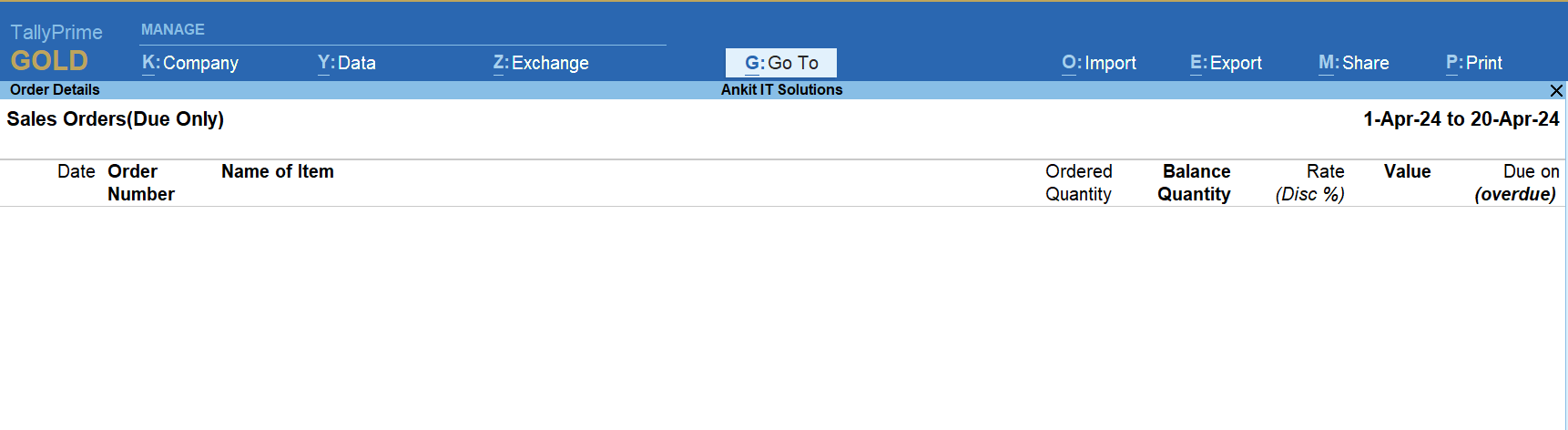
Reports of Sales Order Outstandings Reports
Post navigation

Previous Post Previous post:
How to Alter (Edit) Stock Category in TallyPrime
Next Post Next post:
Sales Voucher with Stock Item invoice mode – TallyPrime

View all posts by →

You might also like

Price List and Price Level in TallyPrime: Simplified Guide

What is Compound Unit (UOM) in TallyPrime?

Alter / Edit Existing Company Info in TallyPrime – Explained with Steps

Copyright © 2026 AIS. Powered by WordPress and Bam.