Skip to content
AIS
Home
Search for:
Menu
Home
TPT App
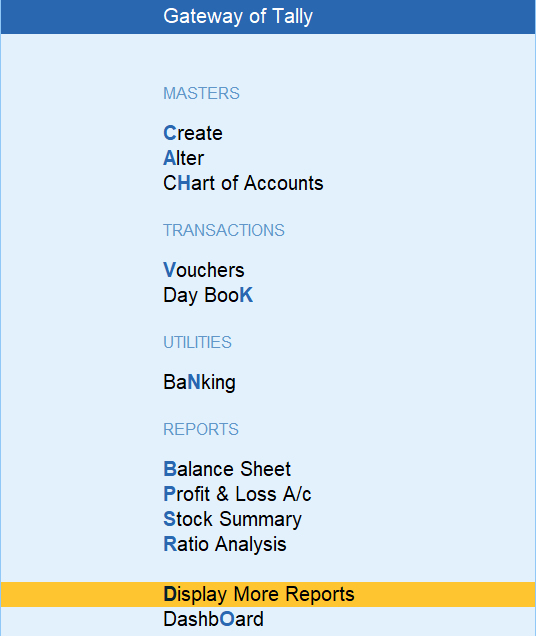
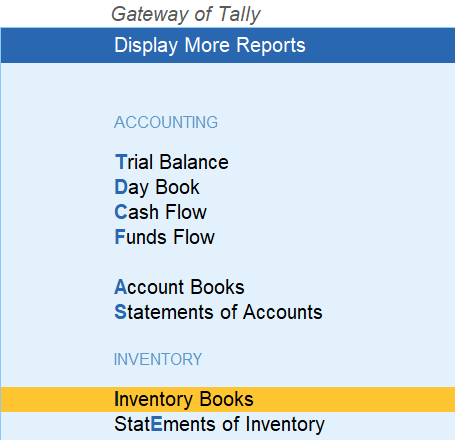
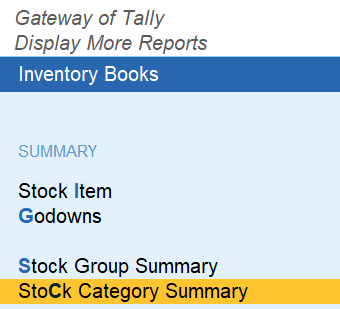
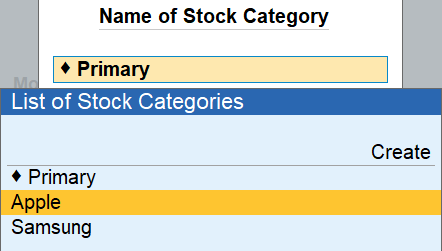
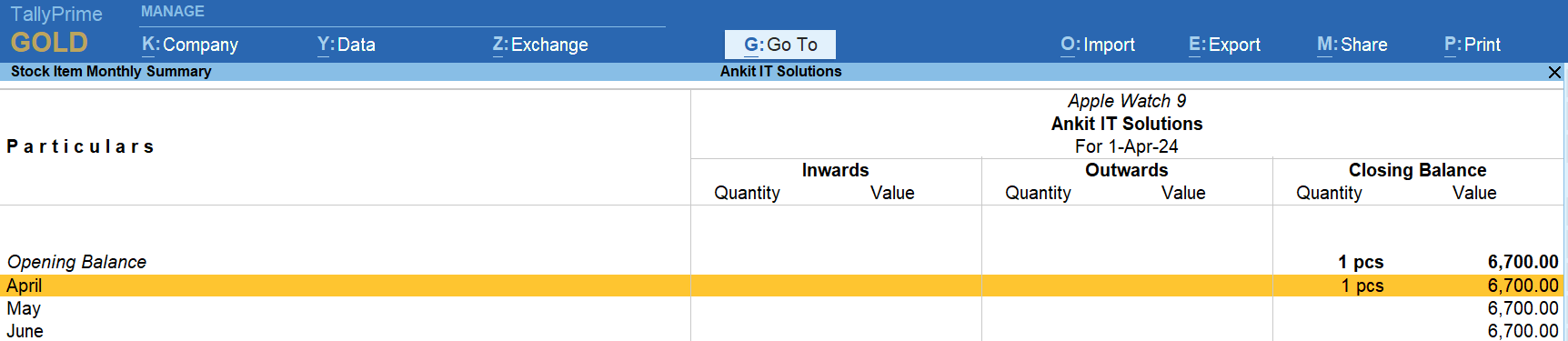
How to Display The Stock Report – Stock Category Wise Stock Report in TallyPrime
by
Post navigation
Previous Post
Previous post:
Item Wise Discount Purchase in Entry in TallyPrime
Next Post
Next post:
How to Display (View) Godown / Location in TallyPrime
View all posts by →
You might also like
How to Delete Ledger from TallyPrime
Create Payroll Work Unit
Receipt Note Voucher in Tally Prime – Purchase Cycle / Proccess
 by
by