Skip to content
AIS
Home
Search for:
Menu
Home
TPT App
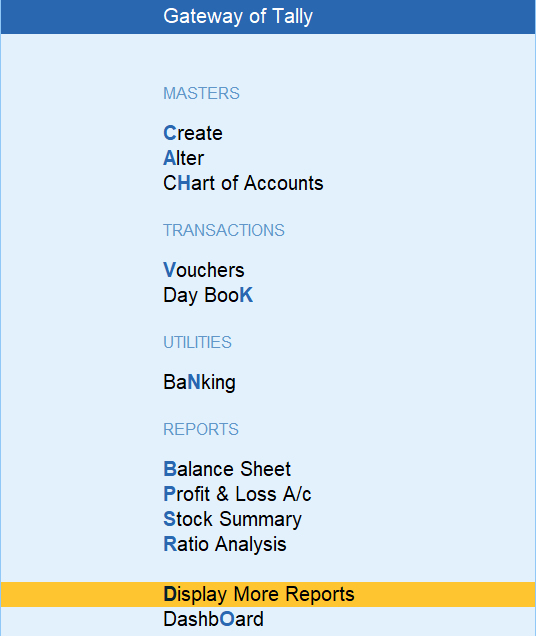
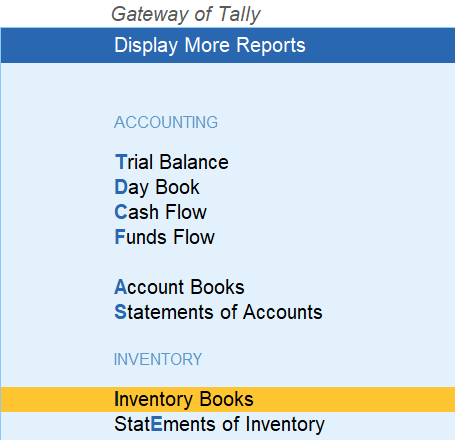
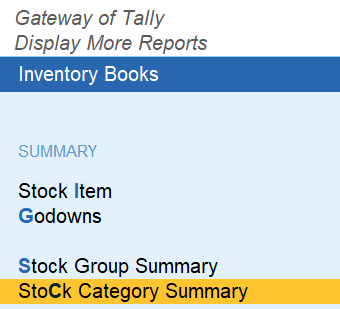
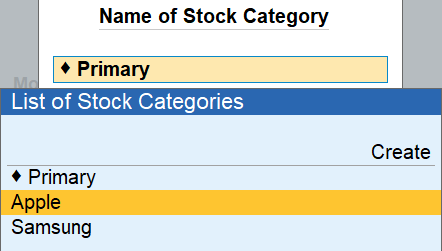
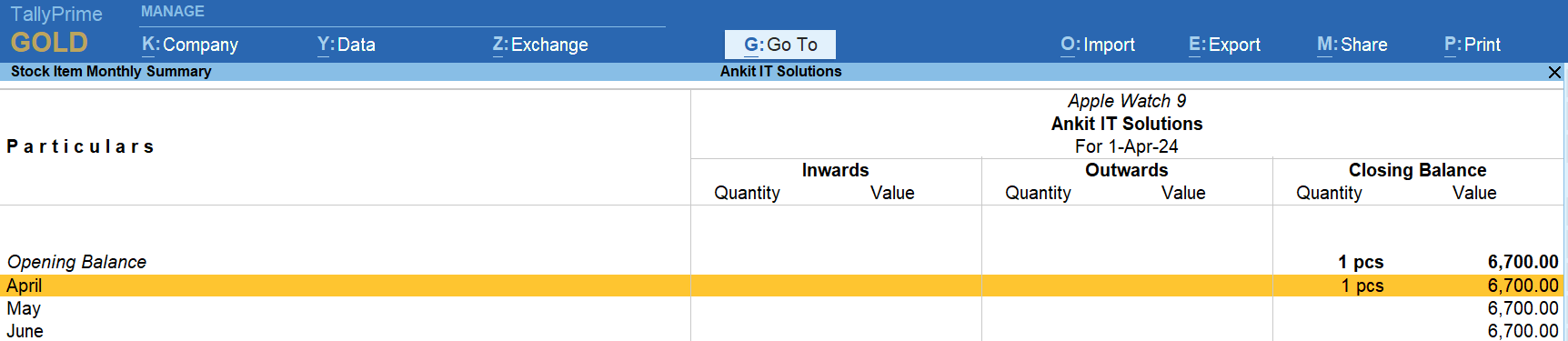
How to Display The Stock Report – Stock Category Wise Stock Report in TallyPrime
by
Post navigation
Previous Post
Previous post:
Item Wise Discount Purchase in Entry in TallyPrime
Next Post
Next post:
How to Display (View) Godown / Location in TallyPrime
View all posts by →
You might also like
Item Wise Discount Purchase in Entry in TallyPrime
How to Delete Stock Category in TallyPrime
Point of Sale (POS) in TallyPrime: A Simplified Guide
 by
by